


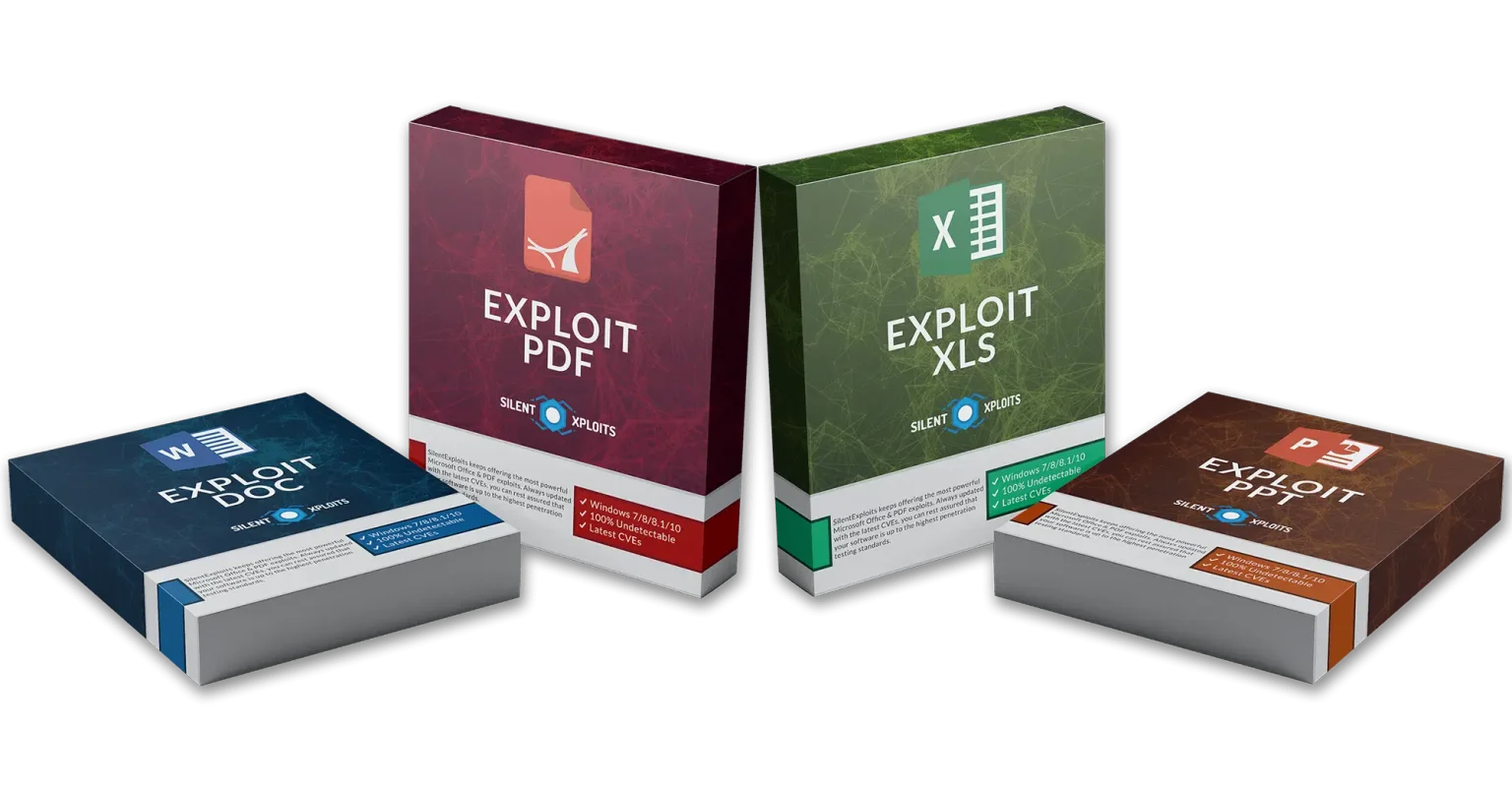
Word (DOC/DOCX) and PDF files are widely used and often considered "safe," but they can contain elements that allow cyberattacks to execute code or spread malware. These attacks rely on the victim opening the document.
Download link 1
Download link 2
Download link 3
2.1. Malicious Macros (VBA) DOC files can contain macros. Attackers insert malicious VBA code that executes if the user enables macros. Risks: malware download, data theft, system takeover.
2.2. Exploits via OLE Objects OLE (Object Linking and Embedding) allows the insertion of objects (Excel spreadsheets, executables, etc.). Malicious objects can be hidden within the document.
2.3. Vulnerabilities in Word or Office Some vulnerabilities allow code execution when the document is opened. General examples: buffer overflow, memory corruption. Known exploits are distributed via phishing.
2.4. External Links or Scripts: Word can load remote resources. A link can redirect to malware or a malicious page.
3.1. Embedded JavaScript: PDFs can execute JavaScript. This is used to automate forms… or to exploit vulnerabilities in vulnerable PDF readers.
3.2. Embedded Objects (Embedded Files): PDFs allow the embedding of other files (ZIP, EXE, scripts). An attacker can trick the user into downloading or running them.
3.3. PDF Reader Vulnerabilities: As with Word, processing vulnerabilities exist: memory corruption, overflows, etc. Exploits target software like Adobe Reader.
3.4. Redirection Attacks: Embedded links lead to phishing or malicious download pages.
4.1. Disable Macros by Default: Never enable macros unless the document comes from a trusted source.
4.2. Update Office and PDF readers. Most exploits target outdated versions.
4.3. Use Secure Opening/Sandboxing. Tools such as: Office Protected Mode, Sandboxed PDF readers, EDR solutions.
4.4. Filter attachments. Use antivirus or cloud-based scanning services.
4.5. Analyze suspicious documents with legitimate tools: Enterprise sandboxing, Macro detection solutions, Static analysis (without execution).
Conclusion
DOC/DOCX and PDF files, while ubiquitous and generally perceived as safe, can be used as attack vectors when they contain malicious macros, scripts, or embedded objects, or when they exploit vulnerabilities in the software that opens them. The best protection relies on user vigilance, keeping software up to date, enabling secure modes, and using reliable scanning tools. By adopting these best practices, it is possible to significantly reduce the risks associated with these types of documents.

Download link 1
Download link 2
Download link 3
2.1. Malicious Macros (VBA) DOC files can contain macros. Attackers insert malicious VBA code that executes if the user enables macros. Risks: malware download, data theft, system takeover.
2.2. Exploits via OLE Objects OLE (Object Linking and Embedding) allows the insertion of objects (Excel spreadsheets, executables, etc.). Malicious objects can be hidden within the document.
2.3. Vulnerabilities in Word or Office Some vulnerabilities allow code execution when the document is opened. General examples: buffer overflow, memory corruption. Known exploits are distributed via phishing.
2.4. External Links or Scripts: Word can load remote resources. A link can redirect to malware or a malicious page.
3.1. Embedded JavaScript: PDFs can execute JavaScript. This is used to automate forms… or to exploit vulnerabilities in vulnerable PDF readers.
3.2. Embedded Objects (Embedded Files): PDFs allow the embedding of other files (ZIP, EXE, scripts). An attacker can trick the user into downloading or running them.
3.3. PDF Reader Vulnerabilities: As with Word, processing vulnerabilities exist: memory corruption, overflows, etc. Exploits target software like Adobe Reader.
3.4. Redirection Attacks: Embedded links lead to phishing or malicious download pages.
4.1. Disable Macros by Default: Never enable macros unless the document comes from a trusted source.
4.2. Update Office and PDF readers. Most exploits target outdated versions.
4.3. Use Secure Opening/Sandboxing. Tools such as: Office Protected Mode, Sandboxed PDF readers, EDR solutions.
4.4. Filter attachments. Use antivirus or cloud-based scanning services.
4.5. Analyze suspicious documents with legitimate tools: Enterprise sandboxing, Macro detection solutions, Static analysis (without execution).
Conclusion
DOC/DOCX and PDF files, while ubiquitous and generally perceived as safe, can be used as attack vectors when they contain malicious macros, scripts, or embedded objects, or when they exploit vulnerabilities in the software that opens them. The best protection relies on user vigilance, keeping software up to date, enabling secure modes, and using reliable scanning tools. By adopting these best practices, it is possible to significantly reduce the risks associated with these types of documents.


